Run Your Own Little Monster Shop
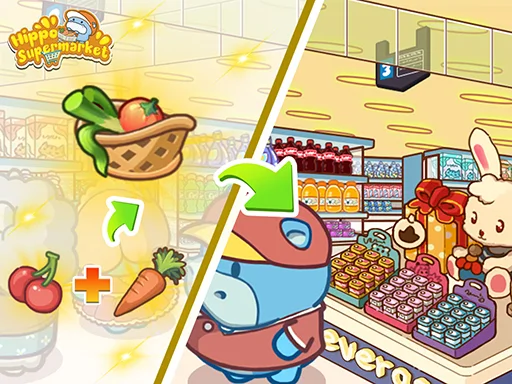
You own a tiny market catering to the most adorable creatures around. Your job involves harvesting glowing mushrooms, stocking shelves, and serving hungry customers at the till. This Management simulation lets you build a thriving Business from the ground up. You start small but quickly expand your reach. Manage your inventory carefully to keep the Monster customers happy. As you earn coins, you unlock new fields, better shelves, and helpful staff. You can play this Casual title on Y8 right in your browser using HTML5 technology. Whether you play on a PC or Mobile, the experience remains smooth and addictive.
Little Monster Shop Mechanics
Controlling your blue shopkeeper is straightforward. You navigate your character to complete tasks and keep the shop running efficiently. Use these controls to manage your Shopping empire:
- Move with the WASD or arrow keys or drag with the mouse
- On mobile drag on the screen to move
- Walk near fields shelves and the till to use them automatically
- Follow the arrow to see your next job
- Stand on a pad to buy it

Mastering Little Monster Shop Strategy
Success requires more than just moving items. You must adapt to three distinct environments: the Mushroom Garden, the Ice Cave, and the Lava Bazaar. Each location presents unique challenges. In the Ice Cave, slippery floors change how you move. In the Lava Bazaar, high heat makes your Food melt on the shelves. Watch out for special customers too. Giants buy in bulk, while crowned VIPs pay triple the price. You must also keep an eye out for thieves. Use the Golden Bell to trigger a Rush Hour, which doubles your income for a limited time. This idle progression style allows you to earn rewards even while you are away. Focus on earning stars to maximize your profits and reach the Grand Opening.
Start your 1 Player adventure on Y8 now. Grab your tools, stock your shelves, and build the most successful market for monsters!
Move with the WASD or arrow keys or drag with the mouse On mobile drag on the screen to move Walk near fields shelves and the till to use them automatically Follow the arrow to see your next job Stand on a pad to buy it