Noob save the village – The Fight Starts Now
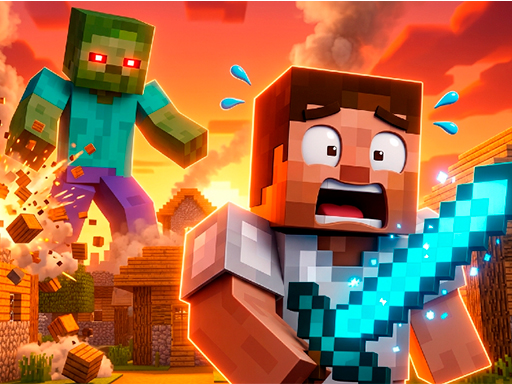
You stumble into a pixel‑perfect hamlet that’s under siege. A horde of zombies crawls from the shadows, and the villagers look to you for rescue. This is a 1 Player showdown that feels like a stripped‑down Minecraft adventure, but the stakes are real. Every block you place, every weapon you upgrade, pulls the village back from the brink. If you love tight combat and building under pressure, you’ll feel the rush from the first swing of your sword.
Noob save the village – Mechanics
The control scheme adapts to your platform. On PC, you steer with the keyboard and strike with the left mouse button. On mobile, virtual joysticks handle movement while a tap on the attack button delivers blows.
- Moving around on the computer using the keyboard attacking by pressing the left mouse button
- Move around on mobile devices using joysticks and attack by clicking on the corresponding button
Noob save the village – Strategy
Start by gathering wood and stone. Those basics let you craft a sturdy pickaxe and a simple fence. Fence the perimeter early; it slows the zombie rush and gives you breathing room to upgrade. When you unlock the first spell, aim for area‑of‑effect damage – a single cast can wipe out a cluster that would otherwise overwhelm you. Keep an eye on your stamina bar; sprinting drains it fast, but a well‑timed sprint can buy you a crucial second to dodge a zombie bite. As you progress, trade surplus resources for stronger armor and faster attack speed. The game rewards you for balancing offense and defense, so don’t pour everything into a massive sword at the cost of a weak shield. Each new wave introduces a tougher zombie variant that forces you to tweak your loadout. Experiment with different weapon combos until you find the rhythm that lets you clear a wave without breaking a sweat.
Ready to defend the village and prove you have what it takes? Jump into the battle now on Y8 and show those zombies who’s boss.
Moving around on the computer using the keyboard attacking by pressing the left mouse button Move around on mobile devices using joysticks and attack by clicking on the corresponding button