Obby 30: Color Rush – Fast‑lane Platform Action
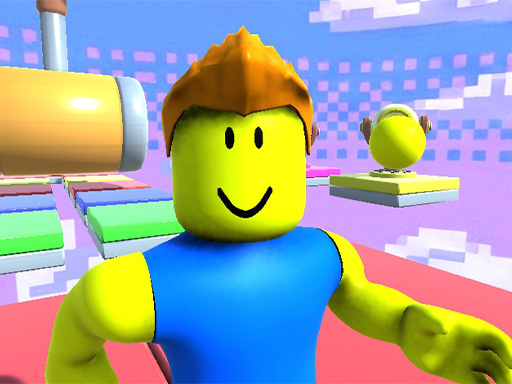
Obby 30: Color Rush drops you into a slick 3D arena where every step counts. Thirty levels of pure platform madness push your reflexes, timing, and eye‑hand coordination to the limit. Start in bright green zones, then sprint through blazing red trials that demand razor‑sharp precision. The game blends arcade flair with hypercasual simplicity, making each obstacle feel like a fresh puzzle to solve. If you love the blocky vibe of Minecraft or the endless creativity of roblox, you’ll feel right at home. Master the jumps, avoid the traps, and prove you’re the fastest Obby champion on the planet.
Obby 30: Color Rush – Mechanics
Control the action with a classic PC layout. Move, look, and leap with confidence, then focus on the rhythm of each platform.
- Movement – W A S D keys
- Camera – Hold the right mouse button and move the mouse
- Jump – Spacebar your main action — master it
Obby 30: Color Rush – Strategy
Speed wins, but precision survives. Begin each level by scouting the layout; spot the color‑coded zones and plan a route that minimizes back‑tracking. Use the early green platforms to warm up your timing, then transition to the red sections where a single misstep can cost you the run. Keep an eye on the star system – grabbing every star adds a layer of replay value and pushes you toward the top of the leaderboard. When a gap looks too wide, adjust your jump angle rather than blasting forward; the right arc often lands you farther. Practice the “hold‑and‑release” jump to shave milliseconds off each hurdle, and you’ll see your times drop dramatically.
Ready to dominate the obstacle course and claim every star? Play Obby 30: Color Rush now and experience the rush of pure platform skill. Find more fast‑paced titles like this on Y8, where casual gamers and hardcore speedrunners alike hunt for the next high‑score.
PC Controls bull Movement W A S D keys bull Camera Hold the right mouse button and move the mouse bull Jump Spacebar your main action mdash master it