ForceZ.io – Fast‑paced Arena Shooter
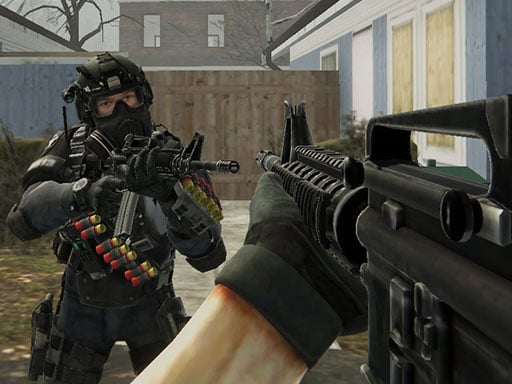
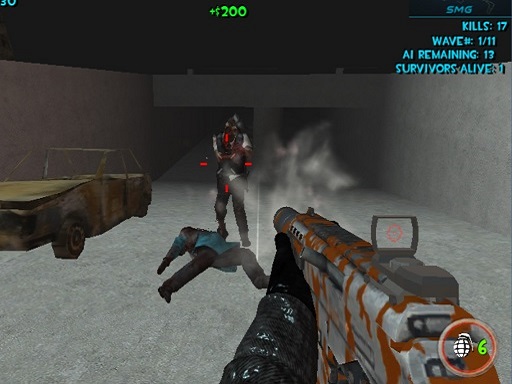
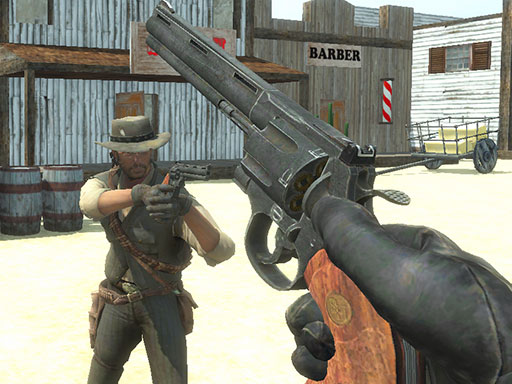
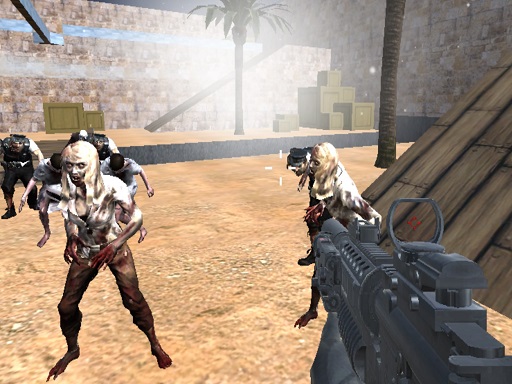
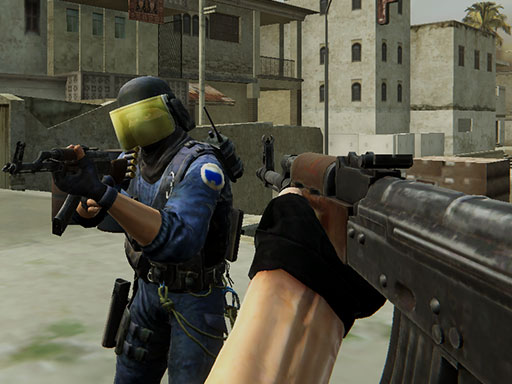
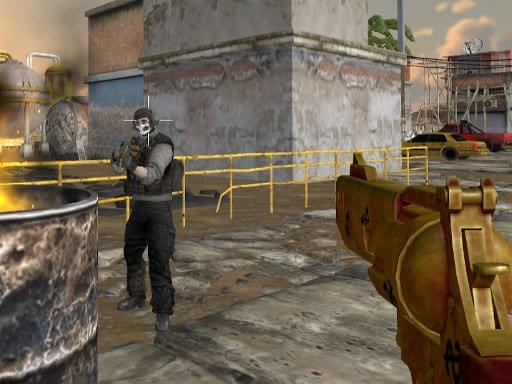
ForceZ.io throws you into a chaotic clash of firepower across five ever‑changing arenas. As a fresh entry in the .io Games scene, it blends razor‑sharp Action with slick Multiplayer chaos. Your mission? Dominate the battlefield, loot upgrades, and out‑shoot every rival before the timer runs out. With a roster of 10+ weapons and a shop packed with armor, each match feels like a new war. The game runs on Unity3D and WebGL, delivering smooth 3D Games performance straight in your browser—no downloads, no lag.
Controls & Combat
Master the core controls, then let the mayhem begin. Move, aim, reload, and switch weapons with precision to stay alive:
- WASD or arrow keys – move your avatar
- Left click – fire your current gun
- Right click – aim down sights for tighter shots
- R – reload your weapon
- 1, 2, 3, 9 or mouse wheel – cycle through your arsenal
- Space – jump over obstacles or dodge incoming fire
- Tab – toggle the pause menu
Winning Strategies
Success in ForceZ.io isn’t just about a fast trigger finger. Map awareness is key—learn the spawn points, memorize high‑ground spots, and use the double‑speed rooms to outrun opponents. Prioritize weapon upgrades early; a shotgun can clear close‑quarters fights, while a sniper rifle dominates long sightlines. Keep an eye on the armor shop; a quick purchase can turn a near‑death into a comeback. Team play shines in Multiplayer mode: coordinate jump routes, share ammo drops, and press the attack together to overwhelm isolated foes. The more you survive, the more credits you earn, unlocking new gear and cementing your rank among the top shooters.
Ready to dominate the arena? Jump into ForceZ.io now and experience the raw intensity that only Y8 can deliver. Play the next‑gen .io shooter that’s redefining browser combat—no installs, pure adrenaline. Your leaderboard spot awaits; claim it today.
WASD or arrow keys to move Left click to shoot Right click to aim R to reload 1 2 3 9 or Mouse wheel to cycle through weapons Space to jump Tab to toggle pause menu