Julio Police Cars – High‑Octane Pursuit in a 3D WebGL Playground
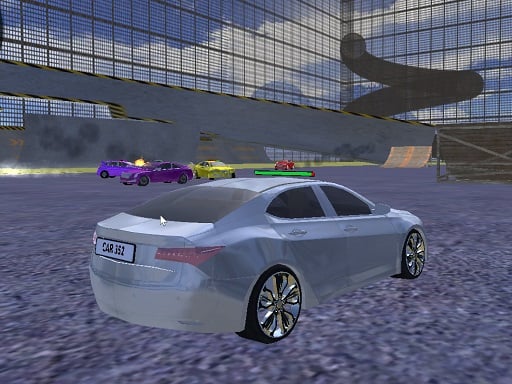
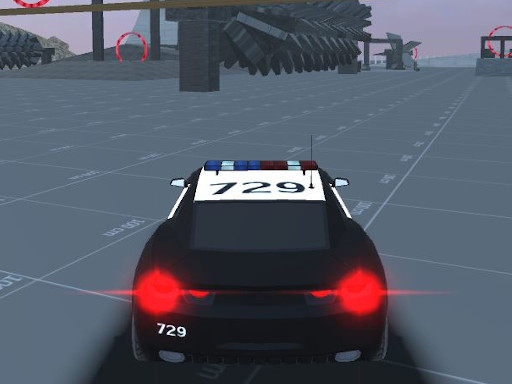
Strap in and chase down suspects across four adrenaline‑pumped maps. Each arena bursts with ramps, tight corners, and hidden shortcuts that demand split‑second reflexes. Ten sleek police cars, including a flamboyant limousine, let you dominate the streets while pulling off gravity‑defying stunts. The game’s crisp WebGL engine delivers buttery‑smooth visuals that feel right at home among today’s top 3D Games. If you love the roar of a turbocharged engine and the thrill of a high‑speed pursuit, this is the title that keeps your pulse racing from the first lap.
Mechanics
Control is simple, but mastery is anything but. Use the keyboard to steer, boost, and flash your sirens as you navigate chaotic cityscapes.
- WASD or arrow keys to drive
- Space key to handbrake
- Left Shift to boost car
- G key to unstuck car
- R key to reset scene
- C key to change view camera
- E key to turn on police lights
Strategy
Winning isn’t just about raw speed. Start by mastering each map’s layout; know where the biggest jumps sit and how to chain them for maximum airtime. Keep your boost meter topped up by chaining drifts—every perfect slide adds a slice of extra thrust. When you’re in a tight corner, hit the handbrake to pivot sharply and avoid colliding with traffic. Use the camera toggle (C) to spot shortcuts from a bird’s‑eye view, then switch back for precision handling. If you ever get stuck on a ramp, the G key frees you instantly, saving precious seconds. Remember, the police lights (E) not only look cool—they also momentarily blind rival drivers in multiplayer modes, giving you an edge.
Ready to dominate the streets and prove you’ve got the reflexes of a true patrol ace? Jump straight into Julio Police Cars and experience the rush that’s already making waves on Y8. Play now, push the limits of every car, and let the sirens scream your victory.
WASD or arrow keys to drive Space key to handbrake Left Shift to boost car G key to unstuck car R key to reset scene C key to change view camera E key to turn on police lights