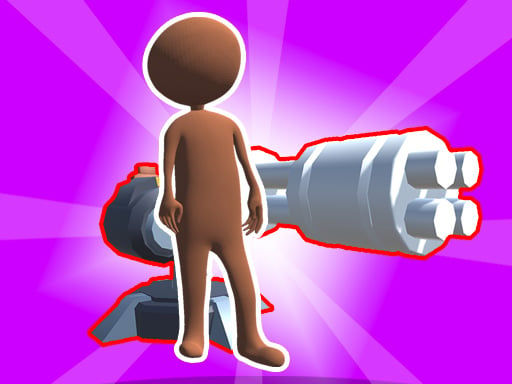
Ragdoll Heroes War: Unleash Your Inner Hero
Get ready for the most epic battles on the web! In Ragdoll Heroes War, you'll choose your hero and jump straight into the action. This hypercasual multiplayer game is all about strategy, quick reflexes, and a bit of luck. With various game modes, including multiplayer, story, survival, and training, you'll never run out of ways to play. At Y8, we're committed to bringing you the hottest and most addictive games, and Ragdoll Heroes War is no exception.
The gameplay is simple yet challenging: use your wits and timing to outmaneuver your opponents. For PC, use W A S D or Arrow keys and Mouse. For mobile, it's all about touch controls and on-screen buttons. Here are the controls at a glance:
- PC: W A S D or Arrow keys and Mouse
- Mobile: Touch controls and on-screen buttons
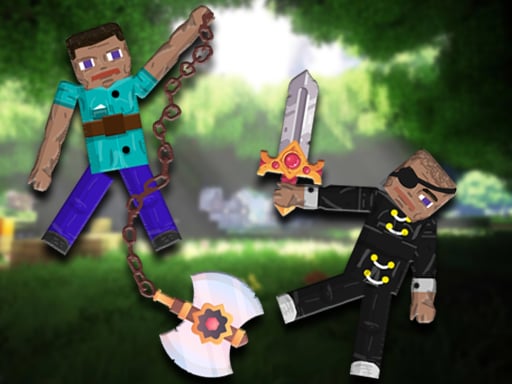
As you progress through the game, you'll earn mines and diamonds, which can be used to craft new weapons or upgrade your existing ones. You can also switch between characters, each with their unique abilities, to gain an advantage in battle. But that's not all - you'll need to develop a solid strategy to outsmart your opponents and claim victory. Here are some tips to keep you ahead of the stack:
Mastering Ragdoll Heroes War: Tips & Tricks
To dominate the arena, focus on:
- Managing your resources: mines and diamonds are crucial for progression
- Choosing the right character: each hero has strengths and weaknesses
- Timing your attacks: a well-timed strike can turn the tide of battle
Join the Action on Y8
Ready to join the clash of Ragdoll Heroes War? Head over to Ragdoll Heroes War to start playing now, or visit the Y8 homepage to explore more action-packed games like this one. With its seamless WebGL technology and stickman-style graphics, Ragdoll Heroes War is an arcade experience you won't want to miss. So what are you waiting for? Stack up your skills and get ready to battle it out in Ragdoll Heroes War!
For PC W A S D or Arrow keys and Mouse For mobile Touch controls and on-screen buttons