Sandtrix: The Color‑Shifting Tetris on Y8
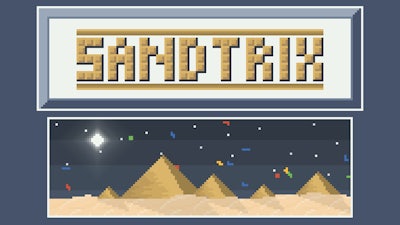
Imagine a classic Tetris stack that melts into sand the moment it lands. That’s the core of Sandtrix. Each piece drops, turns grainy, and forces you to line up matching Color blocks from left to right. When a full horizontal stripe of the same hue clears, points cascade and the sand settles for the next wave. It’s a fresh spin on a beloved 2D puzzle, perfect for anyone who craves quick reflexes and sharp Logic.
Mastering the controls is the first step to dominating the sandbox arena. The scheme is lean, so you can focus on the falling shapes instead of fumbling with menus.
- Enter or left mouse button – confirm selections or tap UI buttons.
- P – pause the game.
- W or Up arrow – rotate the current block.
- A or Left arrow – shift the block left.
- D or Right arrow – shift the block right.
- S or Down arrow – drop the block instantly.
- On mobile: tap to rotate, swipe left/right to move.
Strategy in Sandtrix isn’t just about speed; it’s about pattern recognition. Keep an eye on the upcoming queue and plan two moves ahead—just like classic Tetris, but with the added layer of color matching. Prioritize clearing rows that share the same hue; a single sweep can trigger a chain reaction, clearing multiple lines and boosting your score. As the sand piles higher, the playfield shrinks, forcing tighter decision‑making. Practice rotating blocks early to create a stable base, then switch to aggressive color combos once you’ve built a comfortable buffer.
Play Sandtrix on Y8 Now
If you’re ready for a puzzle that tests both reflexes and brainpower, jump straight into Sandtrix. The fast‑paced action, vibrant Color bursts, and relentless sand physics make every session feel fresh. Find it on the Y8 platform, where leaderboards await your high‑score bragging rights. Grab a seat, lock in those rotations, and watch the sand disappear—one perfect line at a time.