Run and Stop Challenge: Fast‑Paced Reflex Test on Y8
One second you’re sprinting, the next a looming silhouette forces you to freeze. Miss the cue and the game ends in an instant. This high‑octane Arcade title mixes split‑second timing with pure Action thrills, making every round feel like a pulse‑pounding showdown. The visuals are crisp 2D graphics powered by Unity3D, giving the arena a clean, retro vibe that still feels fresh. If you love quick‑fire Adventure games that test reflexes, this is the perfect pick‑up‑and‑play experience.
Run and Stop Challenge Controls
Control scheme is simple. Use Mouse To Play and Keyboard.
- Left‑click: start running when the green light flashes.
- Right‑click: halt instantly on a red light.
- Space bar: pause the round or reset after a miss.
- Arrow keys: optional nudges for fine‑tuned positioning.
The game runs in a clean
2D arena, but the fluid animations give it a subtle
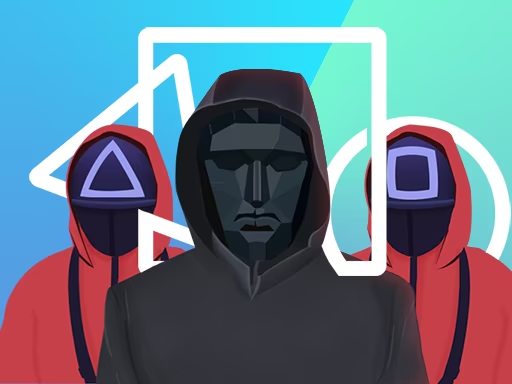
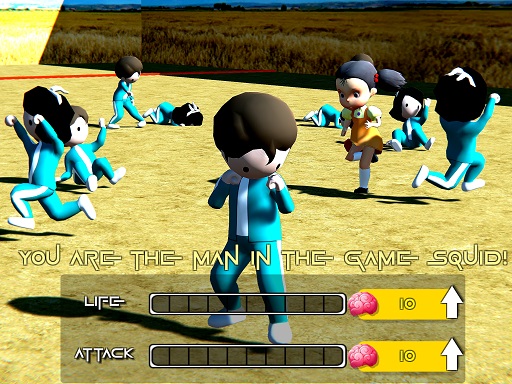
3D depth that keeps the action feeling alive. No menus to scroll through—just a single screen, a glowing “ghost” watcher, and a line of masked figures waiting for your next move.
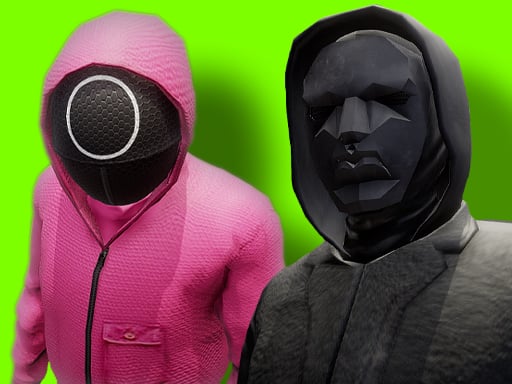
Mastering the rhythm is the key to staying alive. Watch the ghost’s eye direction—green means go, red means freeze. Timing your clicks with sub‑second precision builds a streak that multiplies your score. As you climb the leaderboard, the green‑light windows shrink, demanding sharper focus. Pair the visual cue with the subtle audio beep for a layered feedback loop that heightens immersion. Keep an eye on the “mask” characters; they shuffle positions, adding a light Fighting element as you dodge their line of sight. Progress unlocks faster‑changing patterns, turning a simple reflex game into a deep, addictive loop.
Ready to prove you can out‑run the ghost? Jump straight into Run and Stop Challenge on Y8 and start stacking perfect runs. The arena waits, the lights will flash, and only the quickest will survive. Play now and watch your reaction time become legend.
Use Mouse To Play and Keyboard